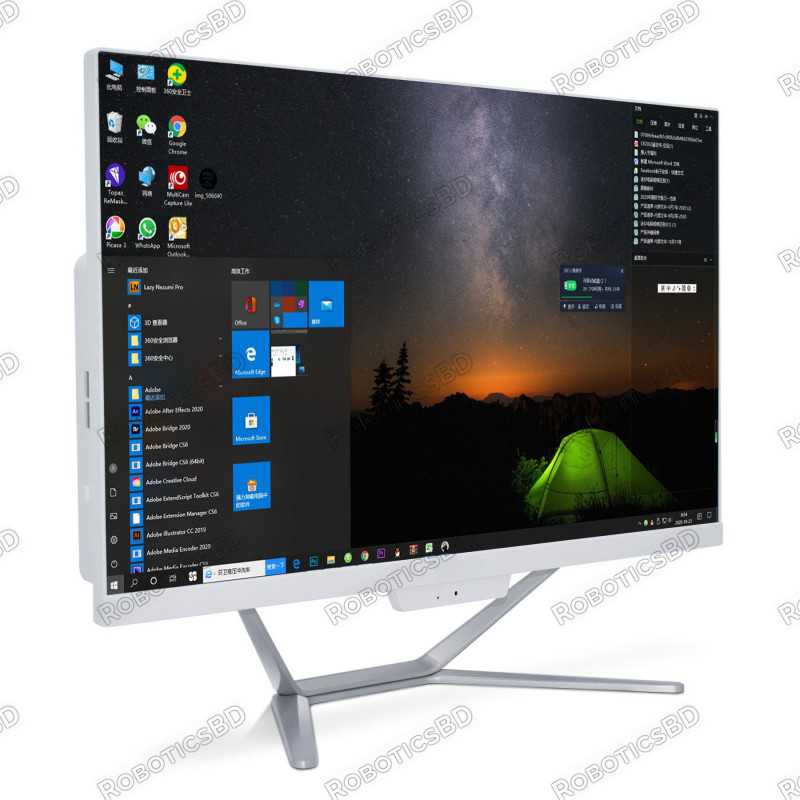
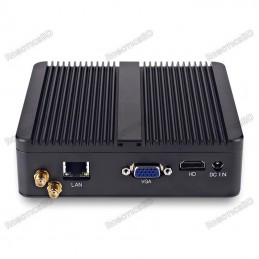
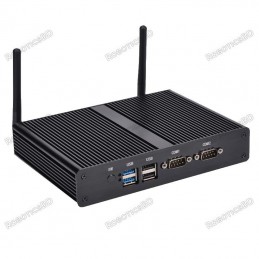
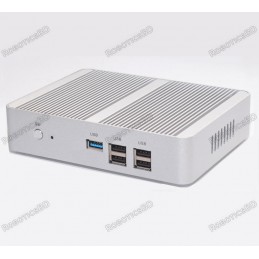
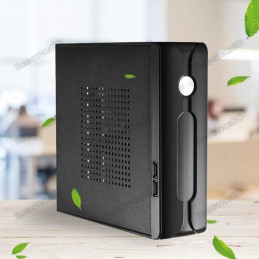
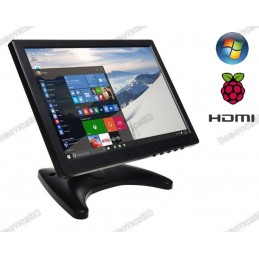
A kiosk PC, is a specialized type of computer system designed for public use in various locations, such as retail stores, museums, airports, libraries, and other public spaces. The primary purpose of a kiosk PC is to provide interactive information or services to users in a self-service manner. These kiosks typically have a user-friendly interface and are designed to be operated by customers. The versatility of kiosk PCs makes them valuable tools for enhancing customer service, providing information, and streamlining various processes in public spaces.
Introducing the All-In-One Windows 10 PC with Intel® Core™ i5 and a spectacular 23.8-inch touchscreen. This kiosk is designed to captivate users with its large, vibrant display and offers a seamless experience with the Windows 10 operating system. Navigating through its functionalities is a breeze with a user-friendly interface featuring large touch-friendly buttons. Tailored for various purposes, from interactive museum guides to city tourism information centers, this kiosk delivers a rich multimedia experience, ensuring inclusivity with customization options and accessibility features. Real-time information, security, remote management, engagement analytics, and a robust design make it the perfect solution for dynamic information dissemination. Featured By RoboticsBD.
Product Images are shown for illustrative purposes only and may differ from the actual product.
Features:
- Impressive Touchscreen: A large 23.8-inch touchscreen for interactive and vibrant displays.
- Windows 10 OS: Powered by the Windows 10 operating system for familiarity and compatibility.
- User-Friendly Interface: Large, touch-friendly buttons for easy navigation and an intuitive layout.
- Versatile Applications: Adaptable for various purposes, from museums to tourism centers.
- Rich Multimedia Experience: Showcase content with clarity, including high-resolution images and interactive maps.
- Customization and Accessibility: Users can customize display settings, and the kiosk supports multilingual and accessibility features.
- Real-Time Information: Keeps users informed with live updates on events, weather, and transportation.
- Security and Remote Management: Prioritizes user privacy with secure data transmission, and administrators can manage content remotely.
- Engagement Analytics: Built-in analytics for insights into user behavior, enhancing performance over time.
- Sturdy and Durable Design: Robust construction for longevity and reliability in high-traffic environments.
Application Kiosk:
- Museum/Exhibition Guide
- Interactive map with exhibit locations.
- Detailed information on each exhibit, including multimedia content.
- Virtual tours for a more immersive experience.
- Language options for international visitors.
- City Tourism Information:
- Points of interest categorized by landmarks, restaurants, and events.
- Dynamic city maps with route suggestions.
- Local weather updates.
- Integration with public transportation schedules.
- Educational Learning Hub:
- Interactive lessons and quizzes for various subjects.
- Access to educational videos and animations.
- User progress tracking and achievement badges.
- Parent/teacher portal for monitoring student activity.
- Event Calendar and Ticketing:
- Upcoming events displayed in a visually appealing calendar.
- Online ticket purchasing capabilities.
- Event details, artist information, and schedules.
- QR code scanning for event entry.
- Health and Wellness Information Center:
- Exercise tutorials and fitness plans.
- Nutritional information and healthy recipes.
- Local health services directory.
- BMI calculator and health tips.
- Interactive Restaurant Menu:
- Visual menu with high-quality images.
- Dietary information and allergen alerts.
- Customization options for meals.
- Online ordering and reservation system.
- Community News and Updates:
- Local news articles and community updates.
- User-generated content submission for community events.
- Real-time social media feed integration.
- Emergency alerts and notifications.
- Shopping Mall Navigator:
- Interactive mall directory with store information.
- Special promotions and discounts highlighted.
- Virtual shopping cart for users to plan their purchases.
- Integration with loyalty programs.
- Library Catalog and Recommendations:
- Searchable catalog of available books and resources.
- Book recommendations based on user preferences.
- Virtual bookshelf with book covers and summaries.
- Library events and reading challenges.
- Transportation Hub Information:
- Real-time transportation schedules and updates.
- Interactive maps of transportation routes.
- Fare information and payment options.
- Travel tips and safety guidelines.
| General Specification |
| Processor |
Intel Core i5 - 3470 CPU at 3.20 GHz |
| Memory |
8GB DDR3 RAM |
| Storage |
128GB SSD |
| Operating System |
Windows 10 |
| Display |
23.8-inch full-touch 10k display monitor |
| Connectivity |
Wi-Fi, Bluetooth |
| Additional Features |
Wall-mountable |
| Shipment Weight |
16.200 kg |
| Shipment Dimensions |
60 × 47 × 15 cm |
Please allow 5% measuring deviation due to manual measurement.

Documentation:
Stat from CPUZ


Package Includes:
1 x All-In-One Windows 10 PC Intel® Core™ i5 - 23.8 inch Touch Monitor
Frequently Asked Questions
What is the RoboticsBD office address in Bangladesh?
RoboticsBD office is located at House #5, Road #3, Sector #7, Uttara, Dhaka, Bangladesh (Behind RAJUK Complex, Azampur, Uttara). Call us at +880 1792 007004 or +880 1783 007004. Email: ask@roboticsbd.com.
Can I pick up All-In-One Windows 10 PC Intel® Core™ i5 - 23.8 inch Touch Screen Kiosk PC from the RoboticsBD store?
Yes! You can pick up All-In-One Windows 10 PC Intel® Core™ i5 - 23.8 inch Touch Screen Kiosk PC directly from our store at House #5, Road #3, Sector #7, Uttara, Dhaka (Behind RAJUK Complex, Azampur, Uttara). Store hours: 11:00 AM - 7:30 PM. Pickup is free of charge.